
More than rooms: booking desks in the hybrid office
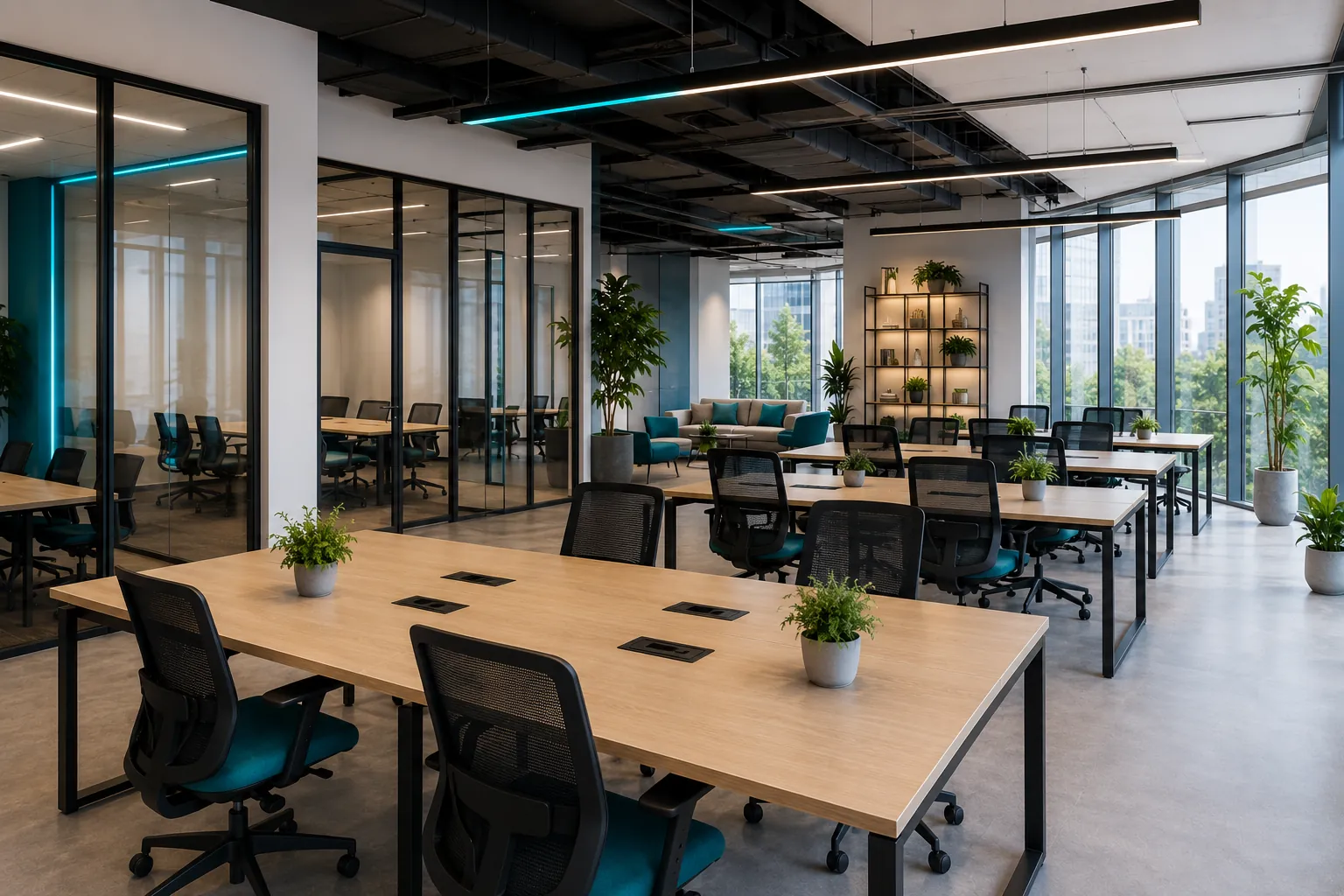
When you think of a booking platform, you think of meeting rooms. But ever since work went hybrid, the most everyday problem isn’t “where do I hold my meeting” — it’s “where do I sit today”.
Desks are no longer assigned one per person. With three days in the office and two from home, on average, a company that used to have 100 fixed desks now uses 60 a day — but without a system, those 60 turn into a lottery of backpacks left on chairs and “taken” sticky notes.
The desk isn’t yours anymore, but it has to belong to someone
Hot desking promises flexibility and lower real estate costs. In practice, without a tool, it produces the opposite effect: people show up and don’t know whether they’ll find a spot, so they go back to “guarding” a desk by leaving their things on it even on the days they’re not around. Desks quietly become fixed again.
Skalenda treats each individual workstation as a bookable resource, exactly like a room. You book the desk for Monday and Thursday, you already know where you’ll be, and whoever arrives sees in real time what’s free.
Finding a spot should take seconds
Booking a workstation only makes sense if it’s faster than wandering the office by eye. That’s why Skalenda starts from the floor plan: you open the map of the floor, you see free desks in green, you tap the one you want, you confirm. No lists of desk codes to memorize.
You can filter for what you actually need that day: dual monitor, near the window, standing desk, quiet zone. The right workstation for a day of calls isn’t the same as the one for a day of focused work.
Check-in applies to desks too
The number one problem with rooms — ghost bookings — hits workstations as well, in a worse form: people who book “just in case” for the whole week and then come in two days burn everyone else’s spots.
That’s why Skalenda’s check-in applies here too. You book the desk, but you have to confirm you’re there — via a link or a QR code at the workstation — within the time the company decides. No confirmation, the desk becomes available again and whoever was looking for a spot that day finds it. The real occupancy rate goes up, and with it the reliability of the data: you know how many workstations you actually need, not how many get locked up.
Who sits near whom
Workstations aren’t all the same, because teams don’t all work the same way. Skalenda lets you define zones: an area for the product team, one for people who need quiet, one for guests. Whoever books stays in their neighborhood without having to ask every time, and the office keeps a recognizable geography even without assigned desks.
The takeaway
Booking a workstation isn’t “a smaller room”. It’s the part of the day that touches everyone, every day — and precisely for that reason the friction has to drop to zero. Same platform as the rooms, same check-in rules, same floor plan.
Want to see how it works on your company’s real office? Write to us at hello@jinni.srl: we start from your floor plan and show you workstation booking in a few minutes.