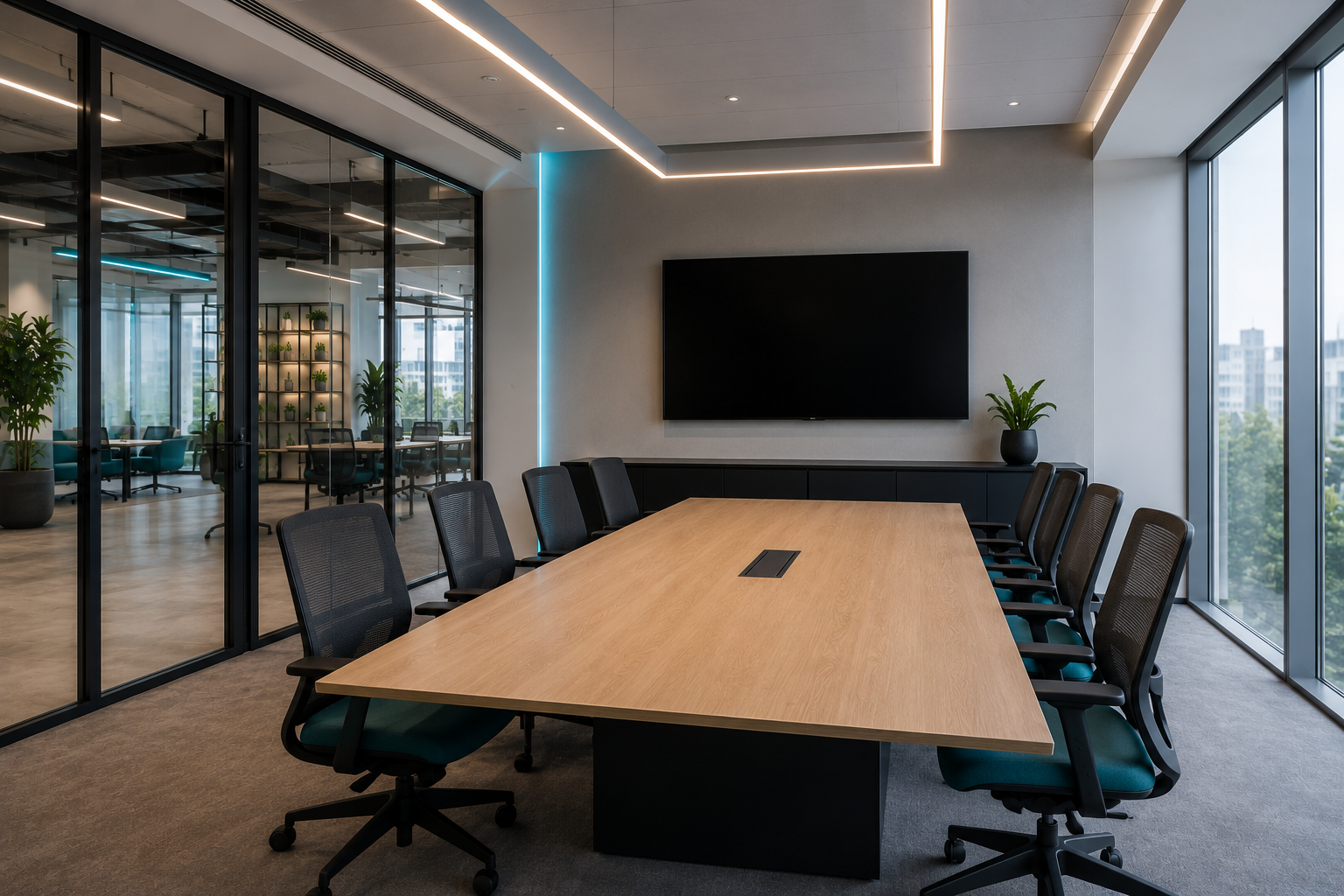
Sala Fermi
6 seats
Details Book

Solutions · Meeting rooms
Real-time availability, mandatory check-in against no-shows and automatic waitlists: the booked room actually gets used.
Request a demo 6 seats

8 seats
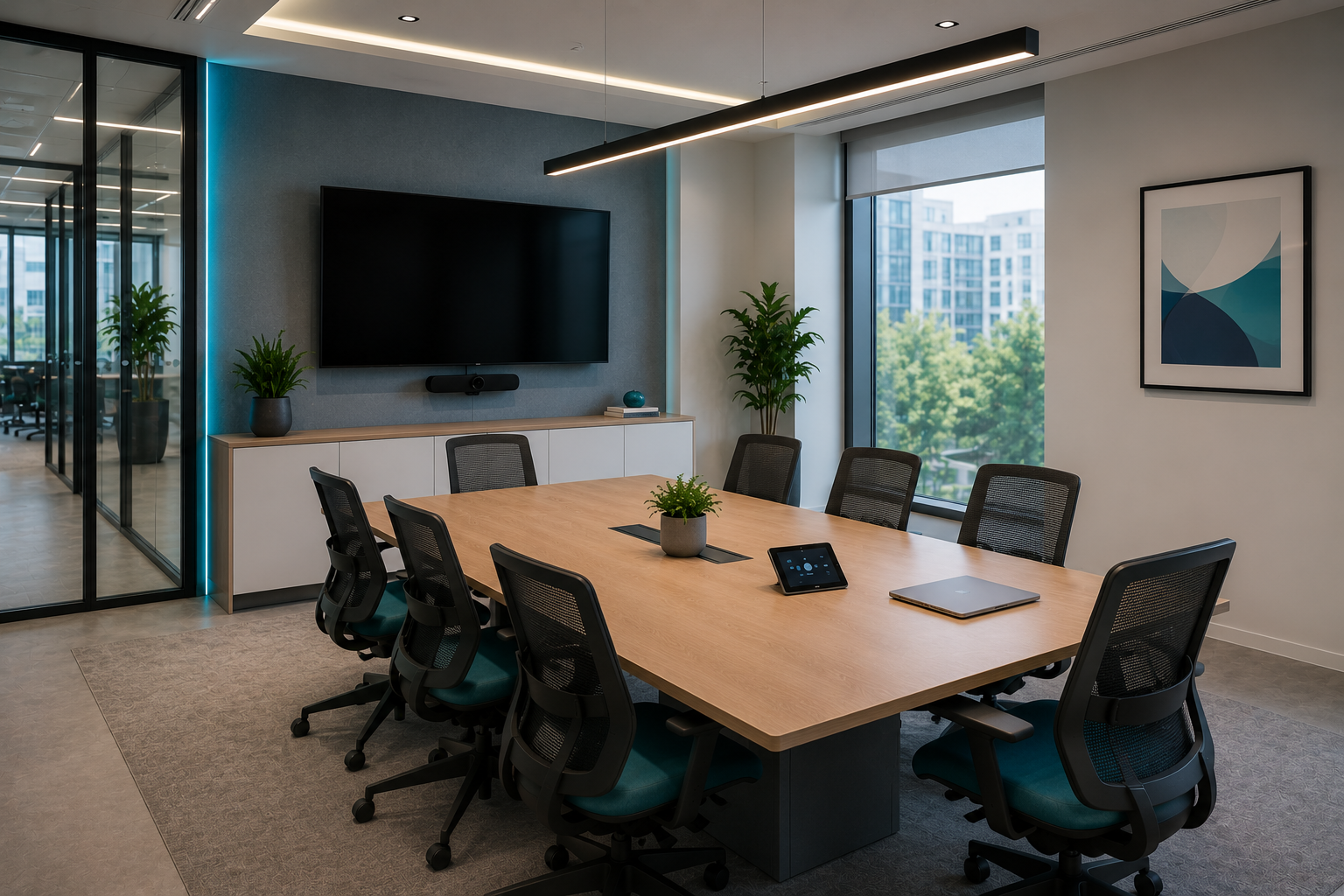
12 seats
4 seats
4 seats
6 seats
See at a glance which rooms are free, for how long and for how many people. No double bookings, no email threads.
Every booking is confirmed with a check-in via link or QR. If nobody confirms before the timeout, the room is freed.
When a room frees up, whoever is in line gets the notification and the booking. Space stays for those who need it.
Operational rules per room: hours, approvals, check-in and more. Set them once and they apply to everyone.
Opening and closing, minimum and maximum duration and a buffer between bookings.
Require a moderator’s approval before confirming, with a request deadline and multiple moderators per room.
Minutes ahead to check in and time to confirm after the start: otherwise the slot is freed.
If the room is busy, users join a queue and get notified as soon as it frees up.
The same slot repeated over several weeks, with a configurable maximum.
Title required, or hidden: everyone else only sees “Busy”.
Users report issues with the room, e.g. a broken projector.
Up to 4 photos to recognise the room at a glance when booking.
The amenities on hand help users pick the right room.
How does mandatory check-in work?
On booking you get a link or QR code: confirm attendance within the set timeout. If you don’t, the room is released and passes to the waitlist.
Can I see rooms on a floor plan?
Yes. Besides the list view, every floor has an interactive floor plan with the real-time status of each room.
Does it integrate with my calendar?
Yes: two-way sync with Microsoft 365 and any CalDAV server.
Ready to start?
In 30 minutes we understand your workflows and show you the product on your real use cases.